Use Shift Planner & Calendar to manage a personal work roster, calculate target hours with your own work rules, or organize employees and team reports in the web app. Open the app, then choose Personal or Team.
Team management runs locally on the manager’s device. There are no employee invitations, accounts or automatic device-to-device sync.
See how it works inside the app
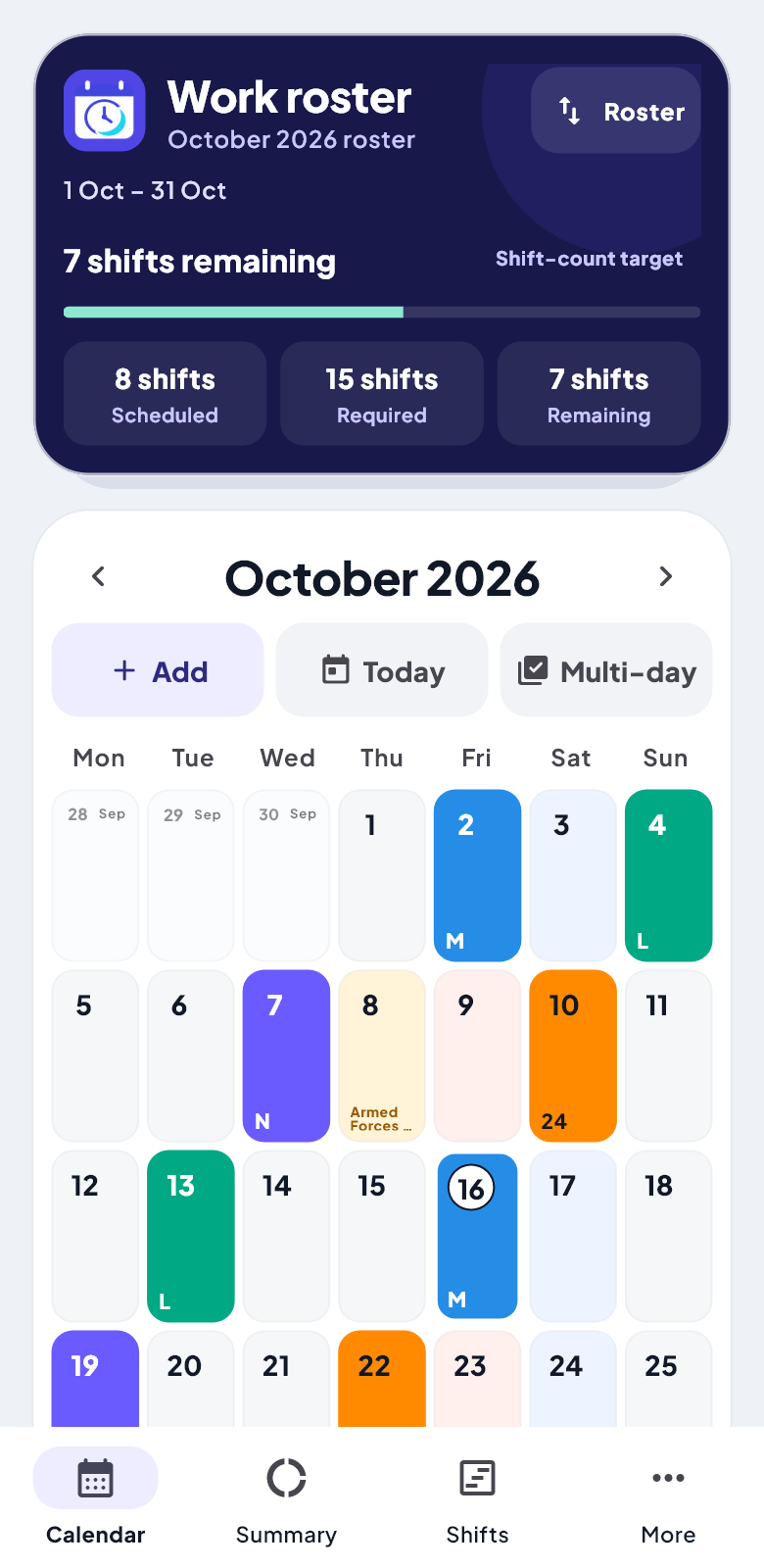
Your personal calendar
Choose a date, add a shift and compare scheduled work with the target for the same roster period.
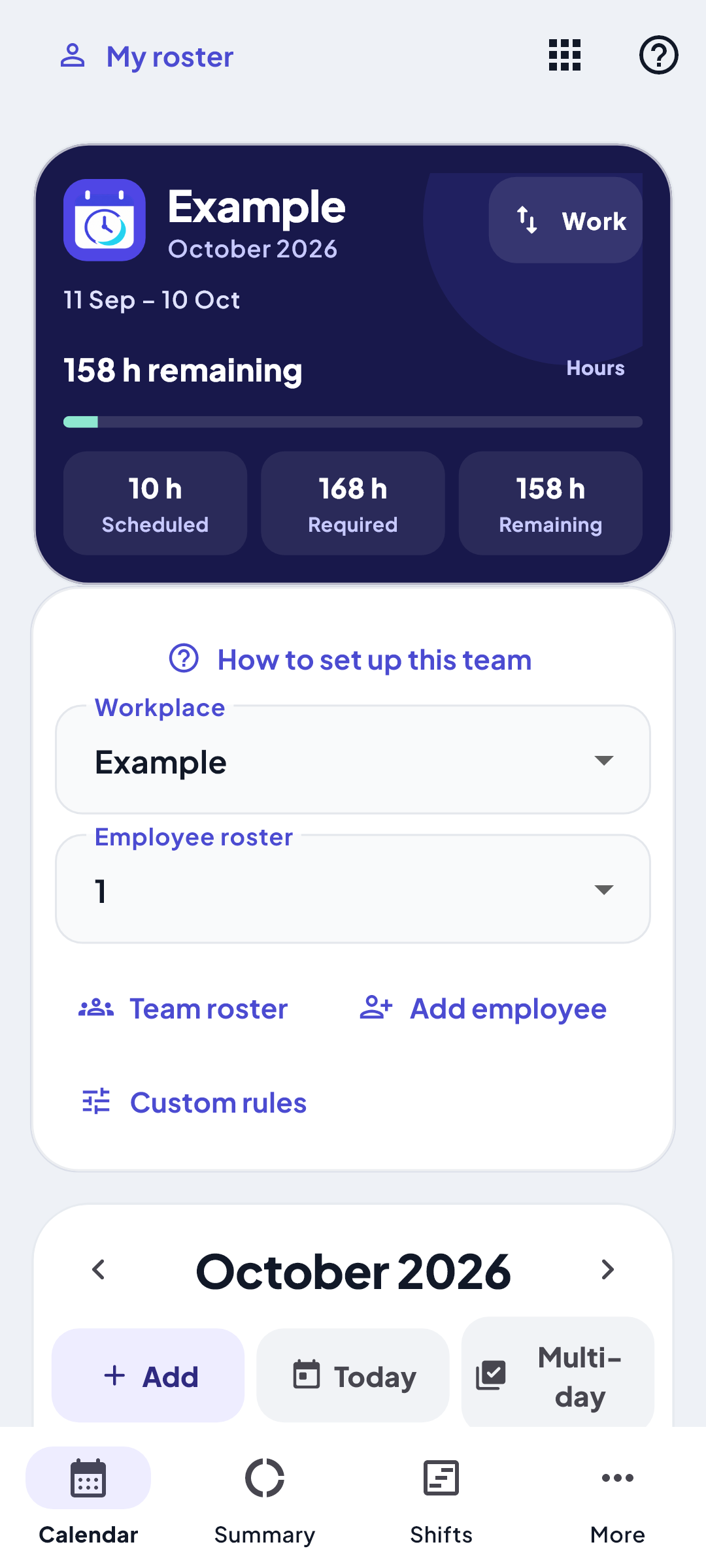
Workplaces and employees
Choose whose roster you are planning, then adjust the workplace rules to your needs.
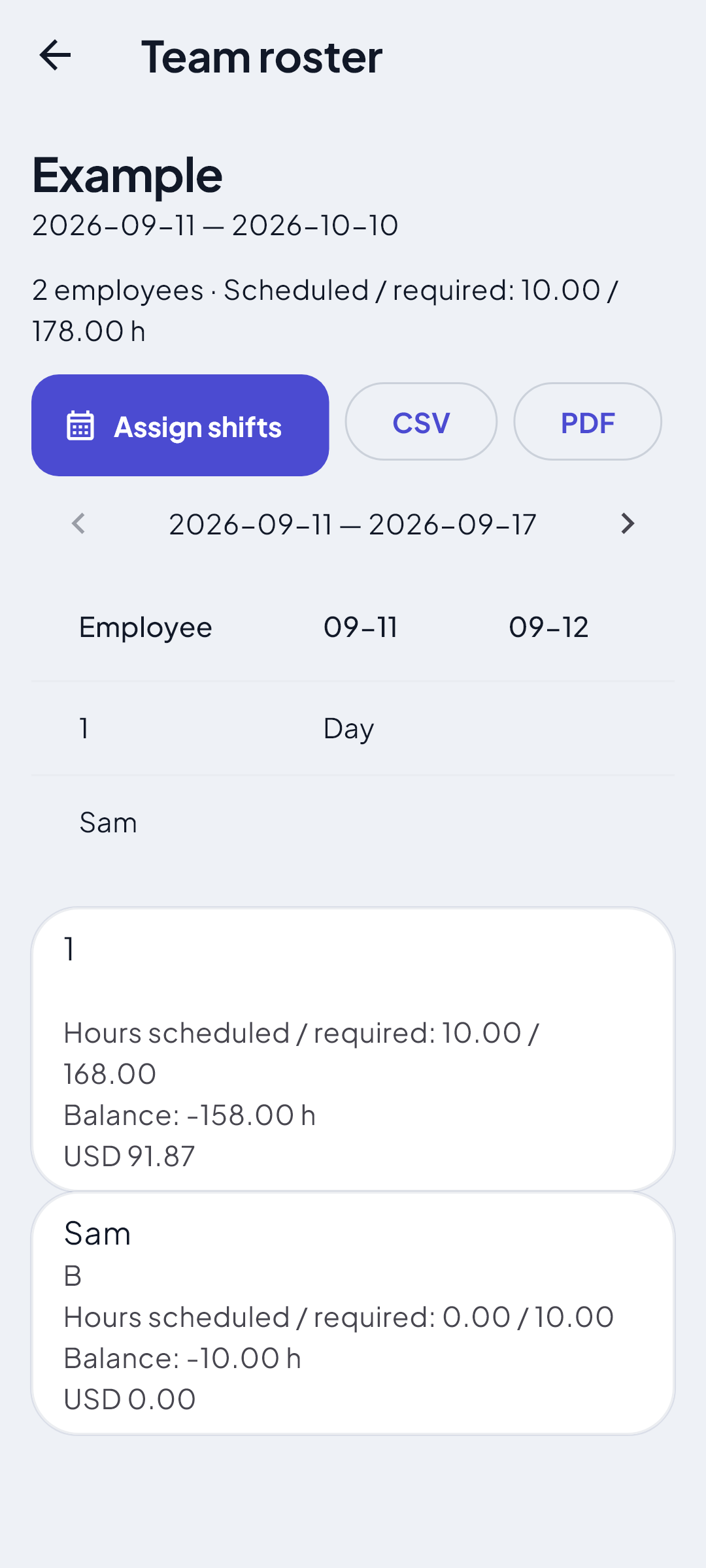
A shared view of the schedule
Review work distribution across employees before preparing a report to share.
Screenshots from an Android update preview with sample data; the store release may differ. The web interface is different.
Choose your version — understand the differences
Feature
Android
Web
Personal calendar and rosters
Available
Available
Optional custom roster period
In the update preview; not yet published
Available; the existing system remains the default
Manager workspace, employees and team reports
In the update preview; not yet released
Available: employees, rules, print-to-PDF and CSV reports
Home-screen widgets and shift reminders
Available, subject to phone settings
Not available
Languages
Arabic and English; German in the update preview
Arabic, English
Roster data storage
Locally in the app
Locally in the browser
Sync between versions
No automatic sync
No automatic sync
The web also works in an iPhone browser and can be added to the home screen where supported. There is no native App Store download or promised release date. Backup-file compatibility between Android and web is not guaranteed.
A short tour of Personal and the Team workspace
The English tour includes narration. Playback is under your control and never starts automatically.
A quick shift-count estimate
An illustration using equal attendance durations. It does not calculate breaks, overtime or pay entitlements.
Open the app using the main button, then choose Personal or Team inside. Personal Settings contains workday hours, weekly rest days, language, appearance and backups. Team has workplace settings, employees and reports.
Is it tied to a hospital or a country?
Shift Planner is independent and is not an official hospital app. Set durations, roster cycles, targets and rules to match your workplace policy. Results depend on your entries and settings; country-specific law is not applied automatically.
Can employees sign into the manager’s workspace on another device?
The current manager workspace runs locally. You can export and share a report, but there are no employee accounts, invitations or cloud permissions.
Are Android and web data connected?
Each version stores its data separately. There is no automatic sync, and importing a backup from one version into the other is not guaranteed.
How can I protect my rosters?
Download Personal backups from More, and manager backups from the Team Backup tab. These are separate files. Clearing browser storage can remove local data; keep your files somewhere safe.
Can I use it offline?
Roster data is local. The web needs an initial internet connection to download its files, then supports offline use once the browser has cached them. Uncached images and videos may still require a connection.
How do I use the web on an iPhone?
Open the calendar in Safari, open Share and choose Add to Home Screen if available. Installation and offline support depend on your browser and its settings.
How do I contact the developer?
Use the support link below and include your device, app version and steps leading to the issue. Remove employee names and personal details from any screenshot that is not needed for diagnosis.